> ## Documentation Index
> Fetch the complete documentation index at: https://docs.usetusk.ai/llms.txt
> Use this file to discover all available pages before exploring further.
# Test Backfill
> Generate a backfill of unit and API tests for existing code
 ## Overview
This guide explains how to use Tusk to generate unit and API tests for existing code through the backfill process. Tusk generates backfills at the PR/MR level.
There are two types of backfill testing supported by Tusk:
1. **Unit Test Backfill**: For utility functions, classes, and other standard code components
2. **API Test Backfill**: For functions that make API calls
**Symbol Limit**: Tusk currently supports backfilling tests for a maximum of 10 symbols per PR/MR.
## Unit Test Backfill
The unit test backfill is used for standard code components such as utility functions, classes, and helper methods.
### How to Request a Regular Function Backfill
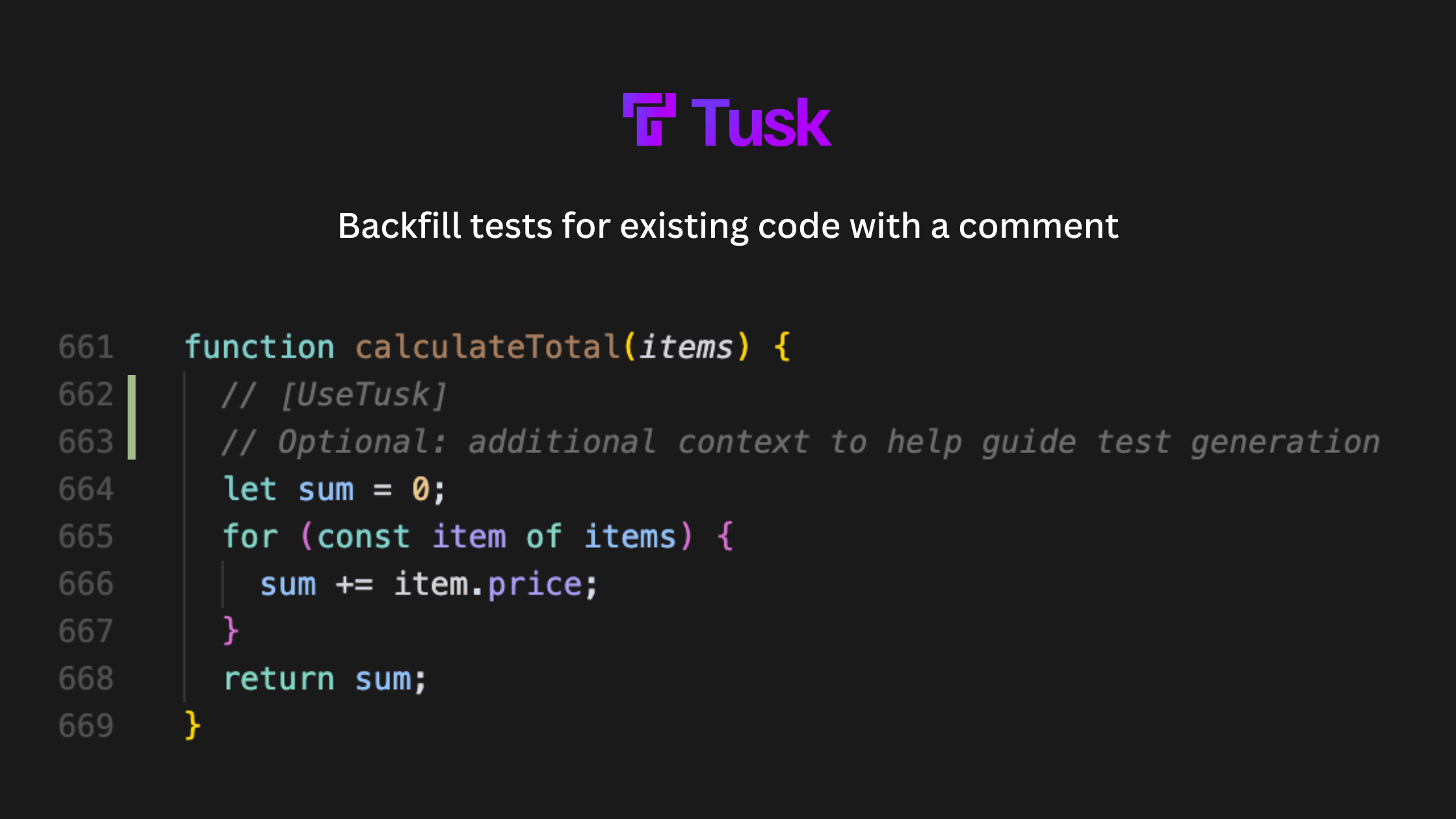
In your IDE, add a comment inside each function/method you want to test. The comment can be single-line or multi-line.
Make sure the comment is *inside* the function definition and includes the keyword `UseTusk`.
**Example:**
```jsx theme={null}
function calculateTotal(items) {
// [UseTusk]
// Optional: additional context to help guide test generation
let sum = 0;
for (const item of items) {
sum += item.price;
}
return sum;
}
```
Raise a PR/MR that modifies the target functions/classes you want to test.
Tusk will detect the modified symbols and auto-generate appropriate unit tests.
## API Test Backfill
API test backfill is used when you need to generate tests for API endpoints. This requires more specific configuration to ensure proper test generation.
### Prerequisites
* You must have a testing environment set up for API tests before using API backfill
* If you don't have an API testing environment configured, please [contact us](mailto:support@usetusk.ai) for assistance
### How to Request an API Test Backfill
In your IDE, add a special comment inside the function that calls the API (can be single-line or multi-line).
Make sure the comment is *inside* the function definition and includes the keyword `UseTusk`.
**Example:**
```jsx theme={null}
async function getUserData(userId) {
/*
* [UseTusk API]
* source file: src/api/userService.js
* test file: tests/api/userService.test.js
* Please mock network responses and test error handling for 404 cases
*/
const response = await callNewApi(`/users/${userId}`);
return response.data;
}
```
Create a PR/MR with the special comment that modifies the target API(s).
Tusk will detect the modified symbols and auto-generate appropriate API tests.
## Information in Comments
* The comment **MUST** contain `UseTusk` for unit test generation and `UseTusk API` for API test generation
* **Source File** (Recommended for API testing)
* Indicate where the API implementation is located
* Example: `source file: src/api/userService.js`
* This helps Tusk trace to the API code and traverse the codebase for better test generation
* **Test File** (Recommended for API testing)
* Specify where the generated test should be saved
* Example: `test file: tests/api/userService.test.js`
* **Additional Guidance** (Optional)
* You can include free-text guidance to help Tusk generate better tests. For example:
* Specify edge cases to test
* Provide context on the best way to write tests
* You can reference additional **context files** to help guide test generation
* Example: `check src/hooks/__tests__/useAuth.test.js for inspiration on how to mock authentication`
* For more comprehensive customization options, refer to our [Customization documentation](https://docs.usetusk.ai/automated-tests/customization) where you can find information on providing global context for how to best write tests for your codebase.
## Note on Comments and File Paths
* Tusk uses intelligent processing to extract information from your comments, so the exact format isn't rigid
* You can use either single-line or multi-line comment styles
* If file paths are not provided, Tusk will attempt to determine the best locations, but we strongly recommend explicitly specifying paths to ensure tests are generated in the correct location
* **Important:** All file paths (source, test, and context files) must be specified from the project root directory
* **Important:** Ensure the comment is *inside* of the symbol definition and includes the keyword `UseTusk` or `UseTusk API`
* **Correct placement (inside the function)**
```jsx theme={null}
function calculateDiscount(price, code) {
// [UseTusk] generate unit tests
// Implementation...
}
```
* **Incorrect placement (outside the function)**
```jsx theme={null}
// [UseTusk] generate unit tests
function calculateDiscount(price, code) {
// Implementation...
}
```
## Example Workflow
1. **Identify** code that needs tests
2. **Add** the appropriate `UseTusk` or `UseTusk API` comment inside the target functions
3. **Submit** your PR
4. **Review** the generated tests when Tusk completes the backfill
5. **Commit** the tests Tusk generates with a click of a button (the `UseTusk` comments will be automatically removed when you commit)
## Best Practices
* Be specific in your comments about what aspects of the code need testing
* For API backfill, specify source and test file paths
* Keep the number of symbols for backfill under the 10 symbol limit per PR
## Overview
This guide explains how to use Tusk to generate unit and API tests for existing code through the backfill process. Tusk generates backfills at the PR/MR level.
There are two types of backfill testing supported by Tusk:
1. **Unit Test Backfill**: For utility functions, classes, and other standard code components
2. **API Test Backfill**: For functions that make API calls
**Symbol Limit**: Tusk currently supports backfilling tests for a maximum of 10 symbols per PR/MR.
## Unit Test Backfill
The unit test backfill is used for standard code components such as utility functions, classes, and helper methods.
### How to Request a Regular Function Backfill
In your IDE, add a comment inside each function/method you want to test. The comment can be single-line or multi-line.
Make sure the comment is *inside* the function definition and includes the keyword `UseTusk`.
**Example:**
```jsx theme={null}
function calculateTotal(items) {
// [UseTusk]
// Optional: additional context to help guide test generation
let sum = 0;
for (const item of items) {
sum += item.price;
}
return sum;
}
```
Raise a PR/MR that modifies the target functions/classes you want to test.
Tusk will detect the modified symbols and auto-generate appropriate unit tests.
## API Test Backfill
API test backfill is used when you need to generate tests for API endpoints. This requires more specific configuration to ensure proper test generation.
### Prerequisites
* You must have a testing environment set up for API tests before using API backfill
* If you don't have an API testing environment configured, please [contact us](mailto:support@usetusk.ai) for assistance
### How to Request an API Test Backfill
In your IDE, add a special comment inside the function that calls the API (can be single-line or multi-line).
Make sure the comment is *inside* the function definition and includes the keyword `UseTusk`.
**Example:**
```jsx theme={null}
async function getUserData(userId) {
/*
* [UseTusk API]
* source file: src/api/userService.js
* test file: tests/api/userService.test.js
* Please mock network responses and test error handling for 404 cases
*/
const response = await callNewApi(`/users/${userId}`);
return response.data;
}
```
Create a PR/MR with the special comment that modifies the target API(s).
Tusk will detect the modified symbols and auto-generate appropriate API tests.
## Information in Comments
* The comment **MUST** contain `UseTusk` for unit test generation and `UseTusk API` for API test generation
* **Source File** (Recommended for API testing)
* Indicate where the API implementation is located
* Example: `source file: src/api/userService.js`
* This helps Tusk trace to the API code and traverse the codebase for better test generation
* **Test File** (Recommended for API testing)
* Specify where the generated test should be saved
* Example: `test file: tests/api/userService.test.js`
* **Additional Guidance** (Optional)
* You can include free-text guidance to help Tusk generate better tests. For example:
* Specify edge cases to test
* Provide context on the best way to write tests
* You can reference additional **context files** to help guide test generation
* Example: `check src/hooks/__tests__/useAuth.test.js for inspiration on how to mock authentication`
* For more comprehensive customization options, refer to our [Customization documentation](https://docs.usetusk.ai/automated-tests/customization) where you can find information on providing global context for how to best write tests for your codebase.
## Note on Comments and File Paths
* Tusk uses intelligent processing to extract information from your comments, so the exact format isn't rigid
* You can use either single-line or multi-line comment styles
* If file paths are not provided, Tusk will attempt to determine the best locations, but we strongly recommend explicitly specifying paths to ensure tests are generated in the correct location
* **Important:** All file paths (source, test, and context files) must be specified from the project root directory
* **Important:** Ensure the comment is *inside* of the symbol definition and includes the keyword `UseTusk` or `UseTusk API`
* **Correct placement (inside the function)**
```jsx theme={null}
function calculateDiscount(price, code) {
// [UseTusk] generate unit tests
// Implementation...
}
```
* **Incorrect placement (outside the function)**
```jsx theme={null}
// [UseTusk] generate unit tests
function calculateDiscount(price, code) {
// Implementation...
}
```
## Example Workflow
1. **Identify** code that needs tests
2. **Add** the appropriate `UseTusk` or `UseTusk API` comment inside the target functions
3. **Submit** your PR
4. **Review** the generated tests when Tusk completes the backfill
5. **Commit** the tests Tusk generates with a click of a button (the `UseTusk` comments will be automatically removed when you commit)
## Best Practices
* Be specific in your comments about what aspects of the code need testing
* For API backfill, specify source and test file paths
* Keep the number of symbols for backfill under the 10 symbol limit per PR