@use-tusk bot will leave inline comments for any issues and include a fix prompt, so you can resolve issues quickly before merge.
How It Works
1
Create or update a PR
Tusk Review runs when a PR is created or when new commits are pushed. Trigger Tusk Review at any time by commenting
@use-tusk review in the PR.2
Tusk scans for bugs and issues
AI evaluates changed files for bugs, security issues, performance/reliability problems, and maintainability concerns. When Tusk finds an issue, @use-tusk posts an inline PR comment with the risk and suggested fix.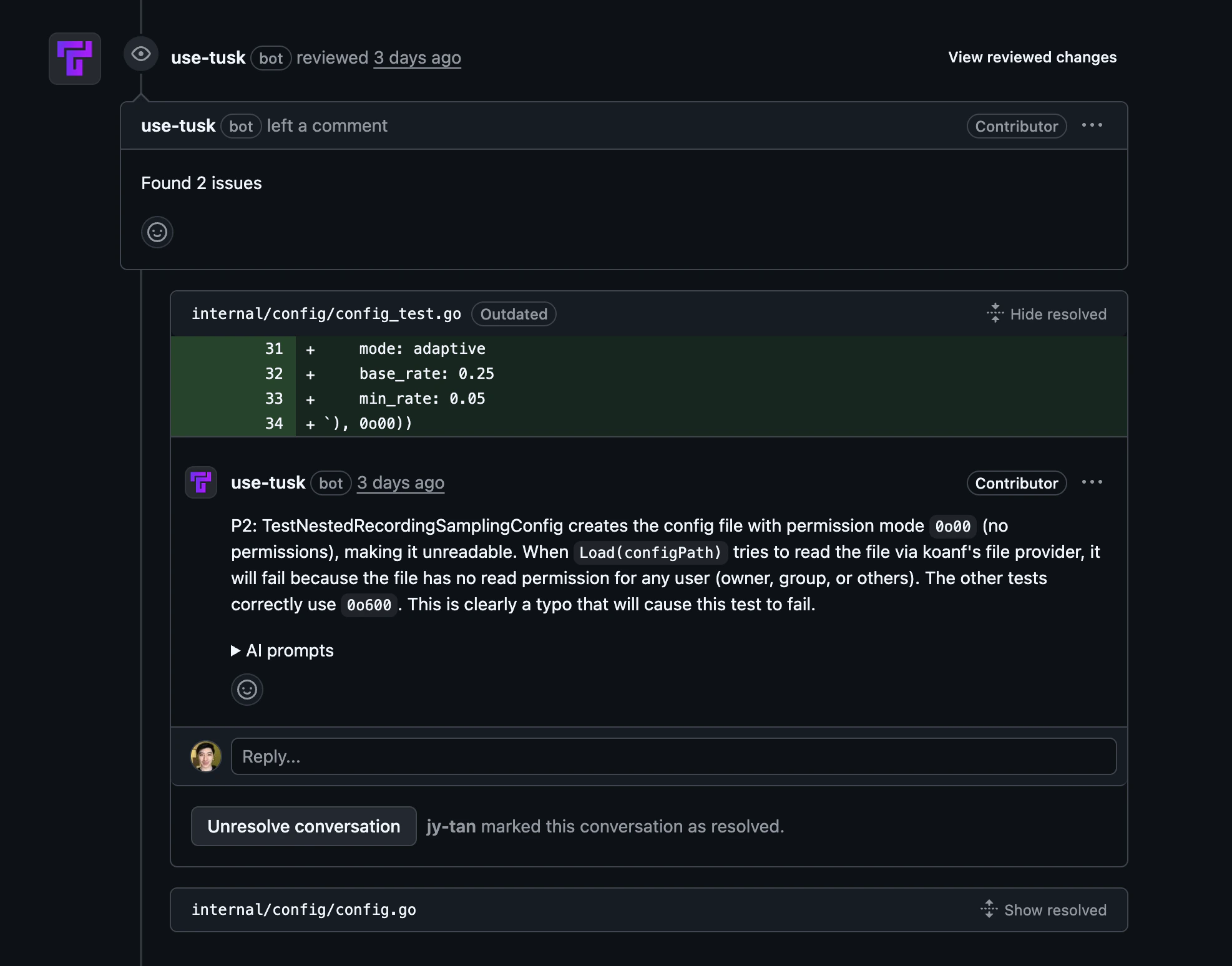
3
Use AI prompt to investigate
Each finding includes an AI prompt you can copy and paste into your coding agent to investigate and fix the issue.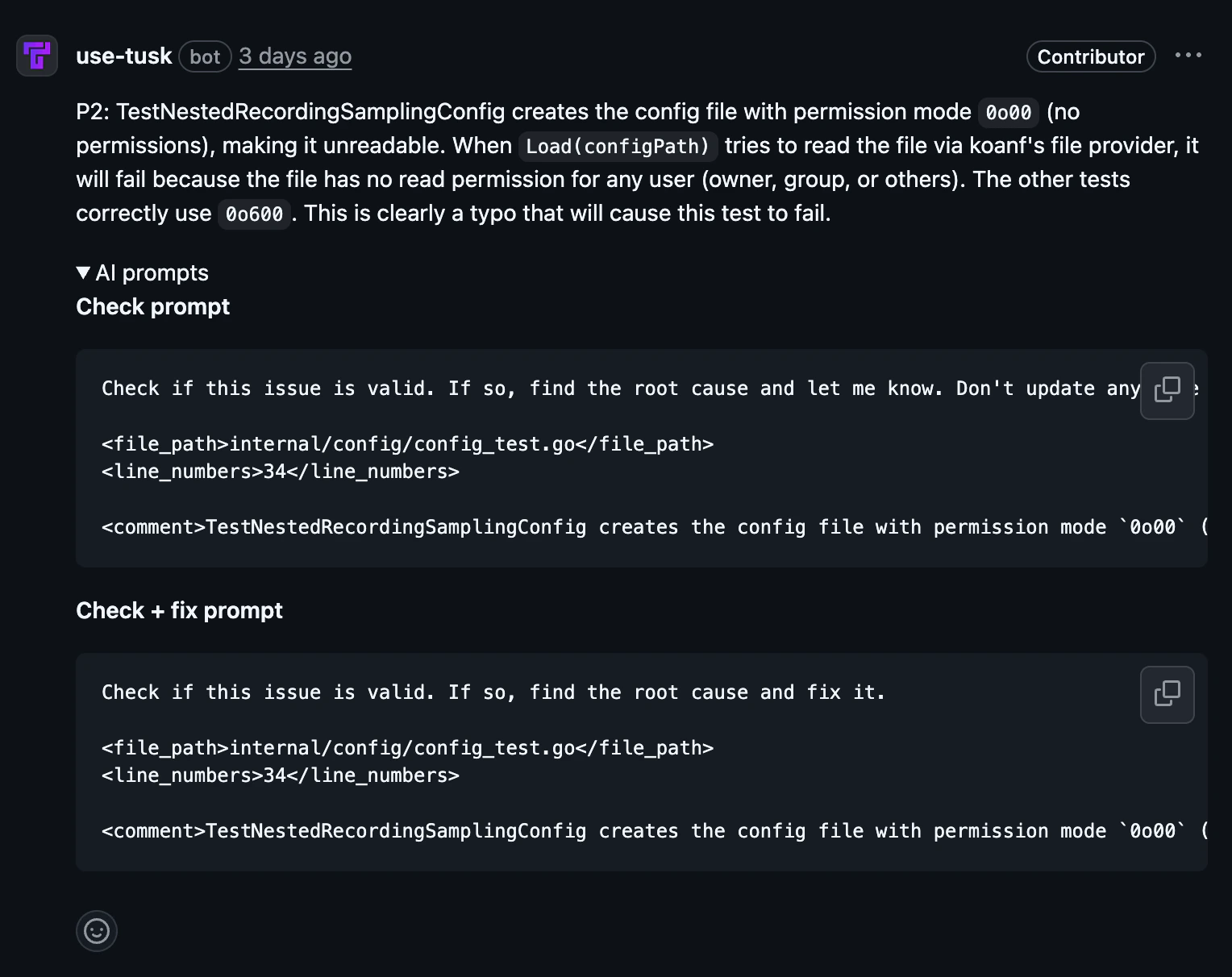
4
Apply fixes and push changes
Update your code based on the review comments, then push commits to the same PR branch.
5
Tusk re-reviews automatically
Tusk re-runs on the latest commit and updates feedback, helping you verify that previous findings are resolved before merge.
Trigger a review on demand
Beyond the automatic run on PR creation and new commits, you can request a review any time by commenting on a PR:Setup
This guide assumes you have already connected your
repo. Tusk Review is
stack-agnostic and does not require a test execution environment.
1
Choose a repo
In the Repos page, click Code Review for the repository you want to configure.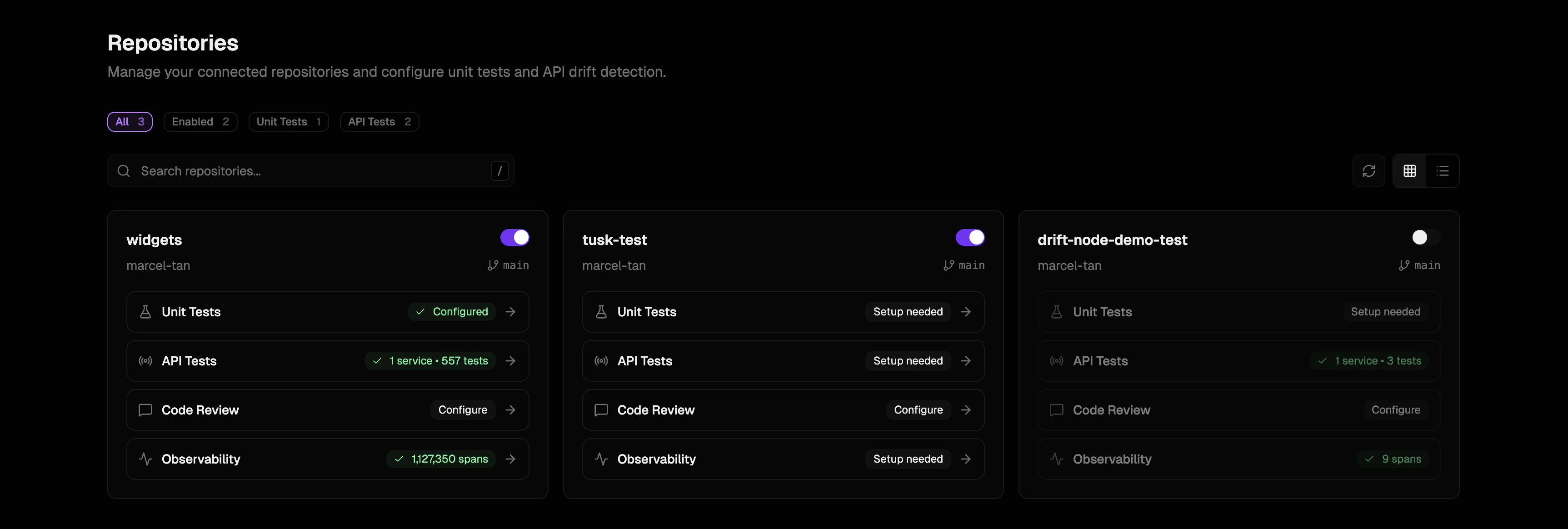
2
Enable code review
Enable the toggle to turn on Tusk Review for all PR authors with an active Tusk seat. Toggle other repo-level settings as needed.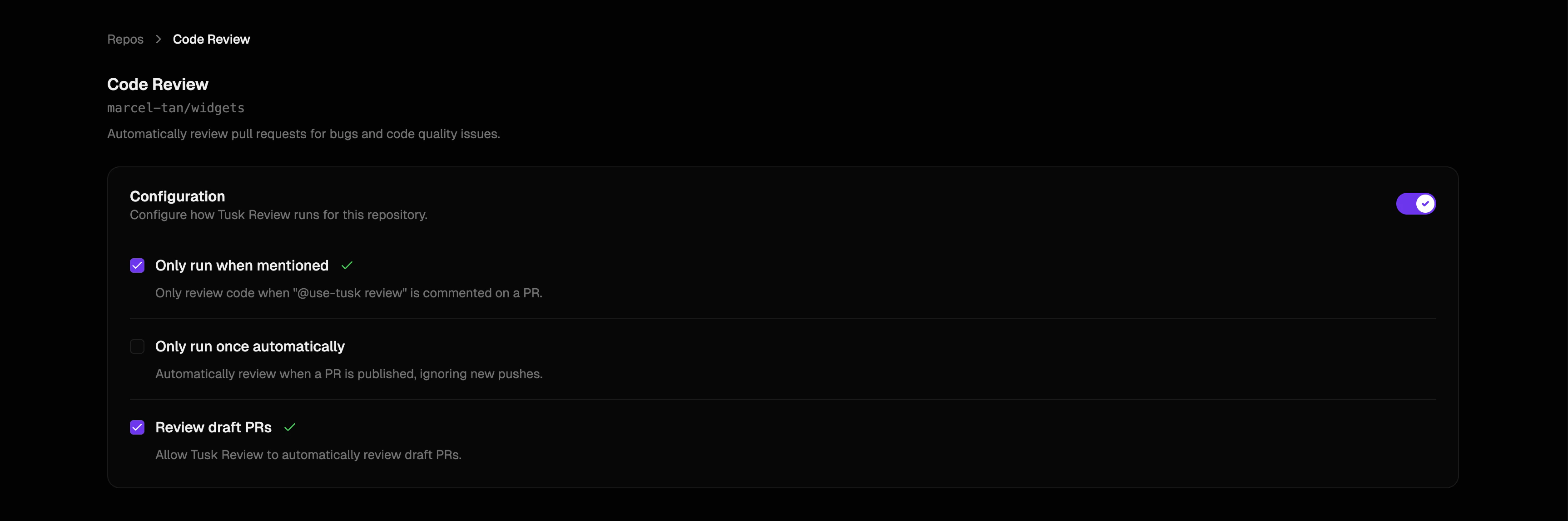
3
Optional: Configure individual preferences
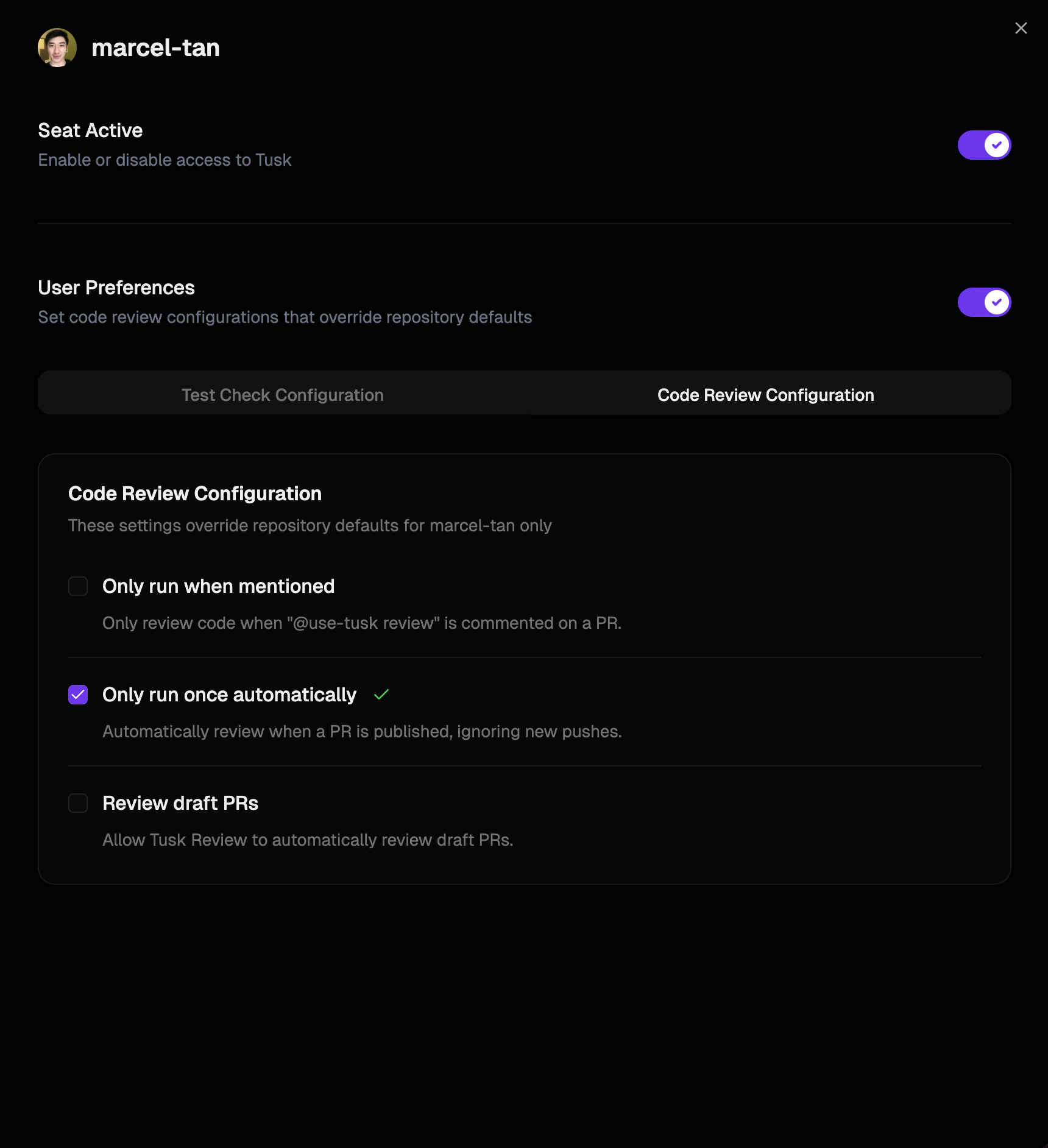
To change individual preferences for how Tusk Review runs, go to Settings > GitHub/GitLab Seats, click Edit preferences, and select the relevant checkboxes under Code Review Configuration.